
Call of Duty Mobile Controller : Set Up Guide
Call of Duty Mobile Controller: Elevate Your Gameplay
Call of Duty Mobile, the iconic first-person shooter franchise, has overtaken the mobile gaming world. While touchscreen controls can be adequate, a controller can significantly enhance your gameplay experience, offering greater precision and control. In this guide, we’ll delve into the world of controller gaming for COD Mobile, covering everything from compatibility to optimal settings.
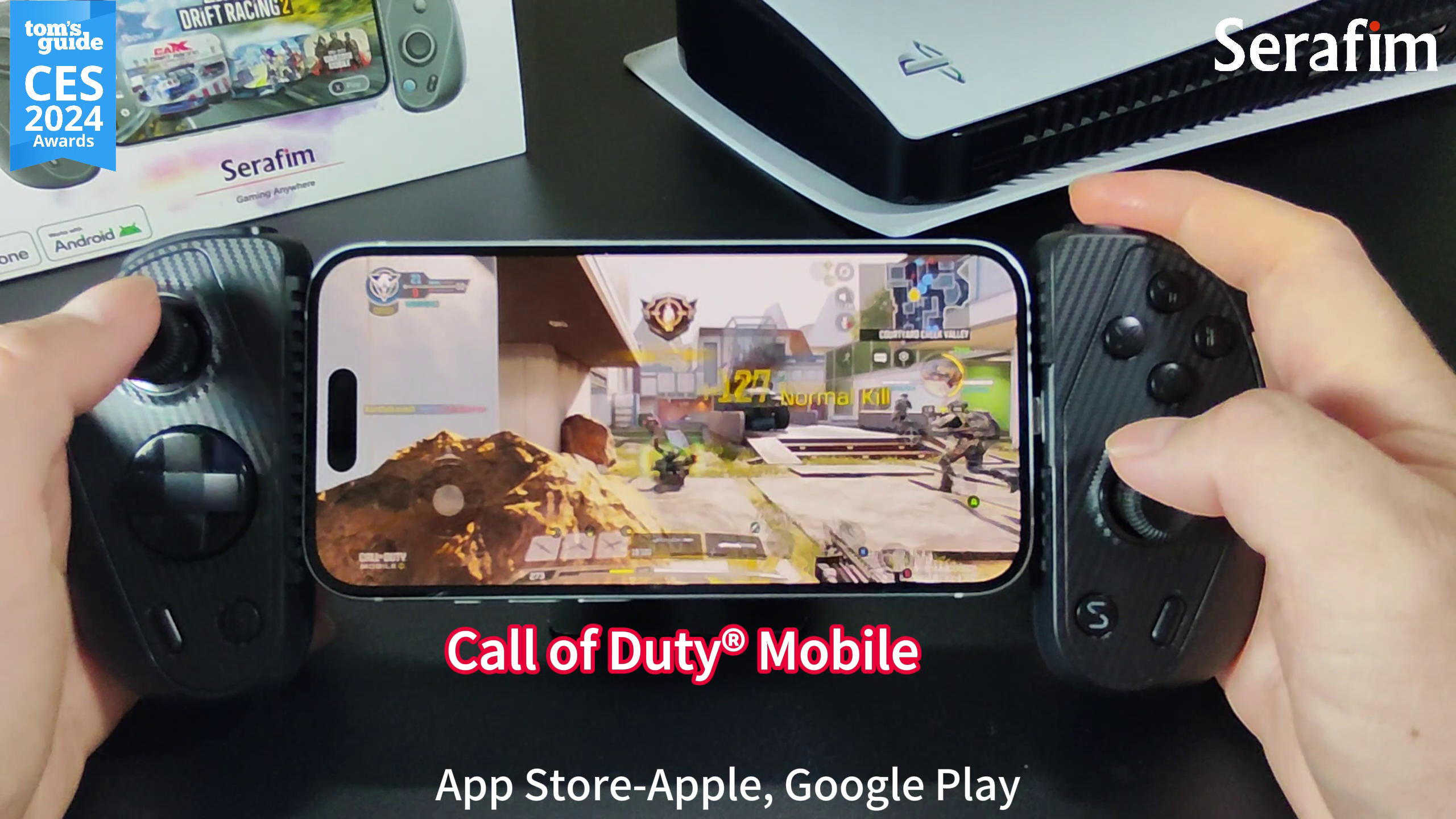
Which Controllers Does Call of Duty Mobile Support?
Call of Duty Mobile offers broad controller compatibility and supports various devices. Officially supported controllers include:
- PlayStation 4
- PlayStation 5
- Xbox One
- Xbox Series X|S
- Backbone One
While these are the officially supported options, many third-party controllers, especially those designed for mobile gaming, can also work seamlessly with COD Mobile. High-quality brands like Serafim offer controllers tailored to mobile gaming, providing features like Hall Effect joysticks, interchangeable grips, and low-latency connections to take your COD Mobile skills to the next level.
How to Connect a Controller for COD Mobile
Android:
- Bluetooth Pairing:
- Enable Bluetooth on your device.
- Put your controller into pairing mode.
- Search for the controller in your device’s Bluetooth settings and pair it.
- In-Game Settings:
- Launch COD Mobile.
- Go to the Settings menu.
- Navigate to the Controls section.
- Enable the “Controller” option.
iOS:
- Direct Connection:
- Connect your controller to your iOS device using a Lightning or USB-C cable.
- In-Game Settings:
- Follow the same steps as Android to enable controller support in the game settings.
Optimizing Your Controller Settings
Sensitivity Settings:
- Multiplayer: Experiment with lower sensitivity settings for precise aiming.
- Battle Royale: Higher sensitivity can be beneficial for quick target acquisition.
Button Layout Configurations:
- Customize to Your Preference: Tailor the button layout to suit your playstyle.
- Consider Controller-Specific Options: Some controllers offer unique customization features.
Frequently Asked Questions
Q1. Will using a controller in Call of Duty Mobile get me banned?
No, using a controller is not against the game’s terms of service. However, you’ll be matched with other controller users to ensure fair gameplay.
Q2. Can I use a mouse and keyboard to play Call of Duty Mobile?
Currently, COD Mobile does not support mouse and keyboard input.
Q3. How can I choose the best Call of Duty Mobile controller?
Consider the following factors when selecting a controller:
- Compatibility: Ensure the controller is compatible with your device and the game.
- Ergonomics: A comfortable controller can significantly improve your gaming experience.
- Features: Look for additional features like customizable button layouts, vibration feedback, and mobile phone charging capabilities.
- Price: Determine your budget and choose a controller that fits your needs.
Following these tips and choosing the right controller can enhance your Call of Duty Mobile gameplay.
Level up Your Gameplay with Serafim S3
Serafim offers a high-performance mobile game controller to enhance your gaming experience. With features like:
- Hall Effect Joysticks: Precise and responsive control.
- Ergonomic Interchangeable Grips: Customizable fit for different hand sizes.
- Extendible Design: Accommodates various phone sizes.
- Low-Latency Connection: Seamless gameplay without delay.

Serafim controllers are the perfect choice for serious COD Mobile players. Purchase the Serafim S3 Cloud Gaming Controller now and enhance your mobile gaming experience!
https://serafimgaming.com/shop/serafim-s3/




